
Generate images
Text-to-image, image-to-image with reference photos, and transparent-background output — all through one tool call.
img-mcp is an MCP server that lets agents resize, crop, convert, compress, and edit images locally with Node.js — plus generate images when you want AI. No Docker, no shared keys, no friction.
From fast local edits to AI-powered generation — one MCP server, zero setup.
Text-to-image, image-to-image with reference photos, and transparent-background output — all through one tool call.
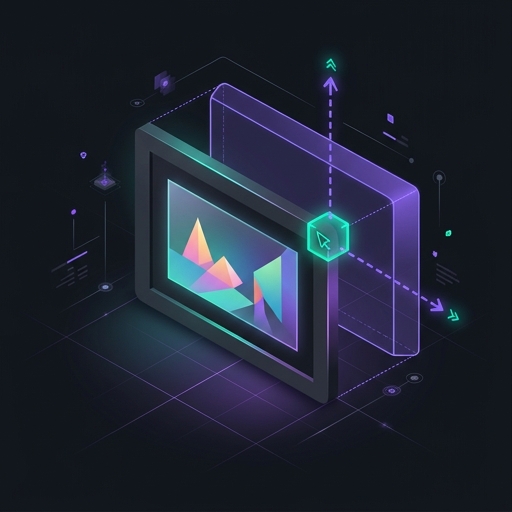
Scale by width, height, percentage, or fit mode. Fast local processing with sharp — no API key needed.
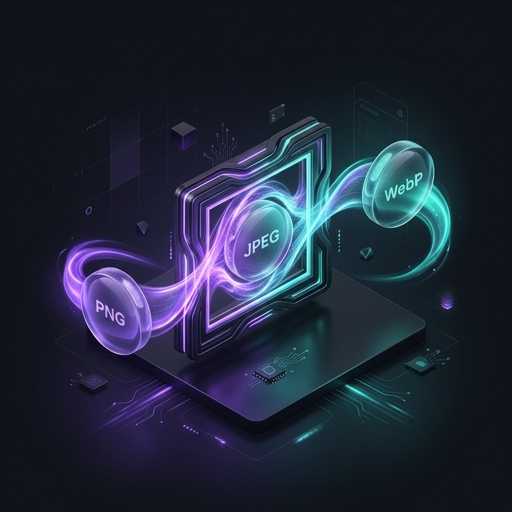
Switch between JPEG, PNG, WebP, AVIF, and GIF locally. Tweak quality to optimize file size.
Generate clean PNG assets with the background removed, ready for logos, overlays, and product shots.
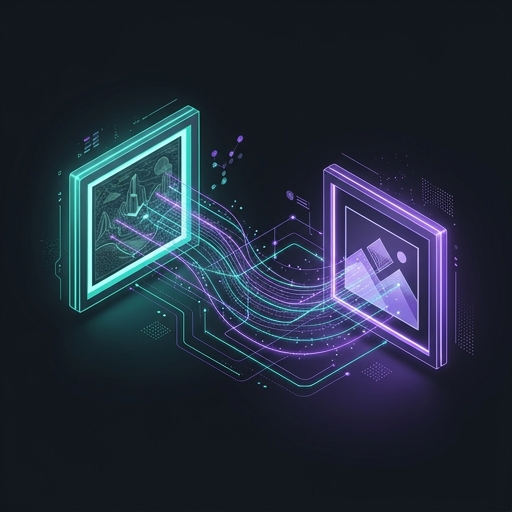
Pass base64 or data-URI images to guide style, subject, and composition across generations.
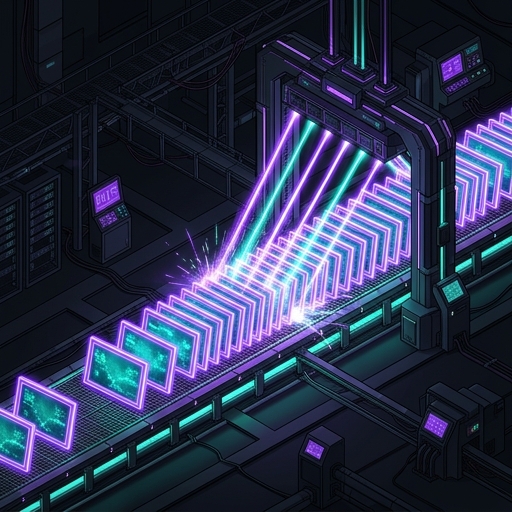
Apply the same transform to multiple images in one call. Perfect for thumbnails, exports, and asset pipelines.
img-mcp translates your agent's instructions into local image operations or generation calls.
No API key is required for local manipulation. Add a Google API key only when you want AI image generation.
Register img-mcp with one command in Claude Code, Cursor, Windsurf, Kimi, OpenCode, or any MCP host.
Tell your agent what to do. img-mcp resizes, converts, crops, or generates images and returns the result.
No JSON files, no Docker, no manual config. Just run the CLI.
# Local image manipulation only (no API key needed)
$ claude mcp add --transport stdio img-mcp -- npx -y img-mcp

# With AI image generation enabled
$ claude mcp add --env GOOGLE_API_KEY=YOUR_KEY --transport stdio img-mcp -- npx -y img-mcp
AI generation brought us here. The future is fast, local, non-AI image manipulation built on Node.js.
Join the open-source community and start manipulating and generating images with img-mcp today.